My Two-Part Desk Setup for Financial Success (2025)
Level up your financial workflow with my optimized dual-monitor desk setup! Boost productivity, reduce stress, and manage your finances like a pro.
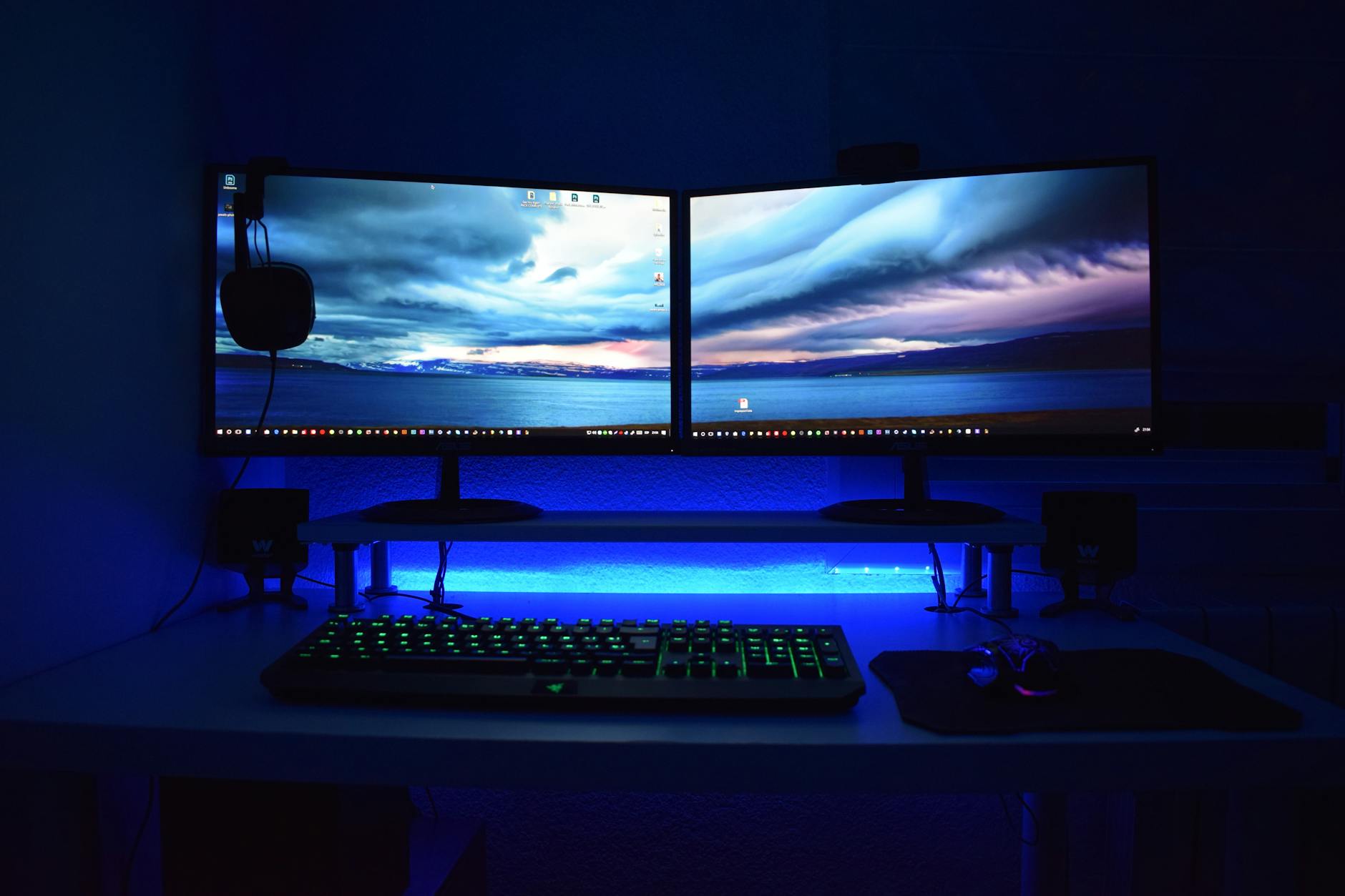
As someone deeply involved in finance – from personal investing to freelance financial analysis – I’ve learned that a well-organized workspace isn't just about aesthetics. It's about maximizing productivity, minimizing stress, and ultimately, improving financial outcomes. Over the years, I’ve refined my desk setup into a two-part system specifically designed to handle the demands of a financially focused workday. This isn't your average home office; it’s a command center built for tracking markets, managing investments, and achieving financial goals.
This article details exactly how I’ve constructed this setup, why each component is crucial, and how you can adapt it to your own financial needs and budget. We'll cover everything from monitors and ergonomics to software and accessories. Get ready to transform your workspace into a financial powerhouse!
Why a Two-Part Setup?
Before diving into the specifics, let's address why I opted for a two-part desk setup rather than a traditional single-desk configuration. It boils down to separating tasks and optimizing for focused work.
- Dedicated Zones: The core idea is to create distinct zones: one for active work (trading, analysis, writing reports) and another for monitoring and information consumption (news feeds, dashboards, long-term portfolio tracking). This prevents constant context switching, a notorious productivity killer.
- Reduced Mental Fatigue: Keeping active tasks separate from passive information intake reduces cognitive load. Your brain isn’t constantly juggling between creating and consuming.
- Improved Ergonomics: The separation allows for more flexible ergonomic positioning. I can adjust each area independently for optimal comfort, crucial during long workdays.
- Scalability: As my financial interests and workload expanded, a single desk simply wasn’t sufficient. The two-part setup provides the space I need without feeling cluttered.
Part 1: The Active Workstation – Power & Precision
This is the heart of my financial operations. It’s where I execute trades, analyze data, write reports, and actively manage my finances.
The Desk: Standing Desk Converter + Traditional Desk
I use a combination. I have a traditional, large wooden desk https://example.com/ as the base, and a standing desk converter placed on top of part of it. This allows me the flexibility to sit or stand as needed throughout the day. Standing, even for a portion of the day, has been proven to boost energy levels and improve focus. I recommend a sturdy, reliable converter; wobbling is a major distraction.
- Dimensions: The desk surface should be at least 60 inches wide and 30 inches deep.
- Material: Wood is preferable for its durability and aesthetic appeal.
- Cable Management: Crucially important! Invest in cable trays and ties to keep everything tidy and prevent a tangled mess.
The Monitor(s): Ultra-Wide & High Refresh Rate
I prioritize screen real estate. I use a single, 34-inch ultra-wide monitor https://example.com/ with a high refresh rate (144Hz). This provides ample space for multiple windows without the bezel distraction of a dual-monitor setup. For active trading, quick responsiveness is key, hence the high refresh rate.
- Resolution: 3440x1440 is my sweet spot – sharp and detailed without being overly demanding on my graphics card.
- Panel Type: IPS for accurate color representation (important for chart analysis).
- Monitor Arm: Essential for adjusting height, tilt, and swivel.
Input Devices: Precision & Comfort
- Keyboard: A mechanical keyboard with tactile feedback. I prefer a tenkeyless (TKL) design to save space.
- Mouse: An ergonomic mouse designed for extended use. I alternate between a vertical mouse and a traditional mouse to prevent strain.
- Trackball: For precise selections in financial charting software.
- Number Pad: Essential for quick data entry, especially when trading.
Essential Software
- Trading Platform: Thinkorswim, Interactive Brokers, or your preferred platform.
- Spreadsheet Software: Microsoft Excel or Google Sheets for financial modeling and analysis.
- Charting Software: TradingView for technical analysis.
- Note-Taking App: Evernote or Notion for capturing ideas and research.
Part 2: The Monitoring & Information Hub – Insights & Awareness
This section focuses on staying informed and tracking the big picture. It's less about active work and more about passive monitoring and information gathering. It's positioned slightly offset from the active workstation, allowing me to glance at it without disrupting my focused work.
The Desk: Smaller, Secondary Desk
A smaller, simpler desk https://example.com/ is sufficient for this section. I use a simple, rectangular desk approximately 48 inches wide and 24 inches deep.
The Monitor(s): Dual 27-inch Monitors
Here, I employ a dual-monitor setup. Two 27-inch monitors https://example.com/ allow me to display a wealth of information simultaneously.
- Resolution: 1920x1080 is sufficient for information display.
- Panel Type: IPS is again preferred for accurate color.
I dedicate one monitor to financial news feeds (Bloomberg, Reuters, CNBC) and the other to a financial dashboard.
The Financial Dashboard: Your At-A-Glance View
This is arguably the most important component of the monitoring hub. I use a combination of tools to create a customized dashboard that provides a real-time overview of my financial situation.
- Portfolio Tracking: Tools like Personal Capital or Kubera to monitor net worth and investment performance.
- Market Data: Displays showing key market indices (S&P 500, Nasdaq, Dow Jones), currency exchange rates, and commodity prices.
- Economic Calendar: Tracking important economic releases that could impact the market.
- News Aggregator: A feed of relevant financial news articles.
I build this dashboard using dedicated software, or a combination of web browsers pinned to specific monitor sections.
Example Dashboard Layout:
| Monitor 1: News & Alerts | Monitor 2: Financial Data |
|---|---| | Bloomberg Terminal | Portfolio Performance Chart | | Reuters News Feed | Key Market Indices (S&P 500, Nasdaq) | | Economic Calendar Alerts | Currency Exchange Rates (EUR/USD, GBP/USD) | | Twitter Feed (Financial Experts) | Cryptocurrency Prices (BTC, ETH) |
Accessories: Comfort & Convenience
- Comfortable Chair: While this area isn’t for active work, a comfortable chair is still essential.
- Headphones: Noise-cancelling headphones to block out distractions.
- Phone Stand: For easy access to my mobile phone.
- Charging Station: To keep my devices powered up.
Bringing It All Together: Tips & Considerations
- Ergonomics are Paramount: Invest in an ergonomic chair, adjustable monitor arms, and a comfortable keyboard and mouse. Poor ergonomics can lead to pain and reduced productivity.
- Lighting is Key: Ensure adequate lighting to reduce eye strain. A combination of ambient and task lighting is ideal.
- Personalize Your Setup: Don’t be afraid to experiment and find what works best for you.
- Regularly Review & Refine: Your financial needs and workflow will evolve over time. Regularly review your setup and make adjustments as needed.
- Invest in Quality: Don't skimp on essential components like monitors, keyboards, and chairs. Higher-quality equipment will last longer and provide a better user experience.
Image Suggestions:
- Image 1: (
- Image 2: (
- Image 3: (
- Image 4: (
Disclaimer
Please note: I may receive a small commission if you purchase products through the affiliate links provided in this article. These commissions help support my work and allow me to continue providing valuable content. I only recommend products that I personally use and believe will benefit my readers. All opinions expressed are my own and are not influenced by any affiliate partnerships.